A visual workspace that brings your references and your thinking together. Collect, draw, explore and organise on a canvas that gives your ideas room to grow.
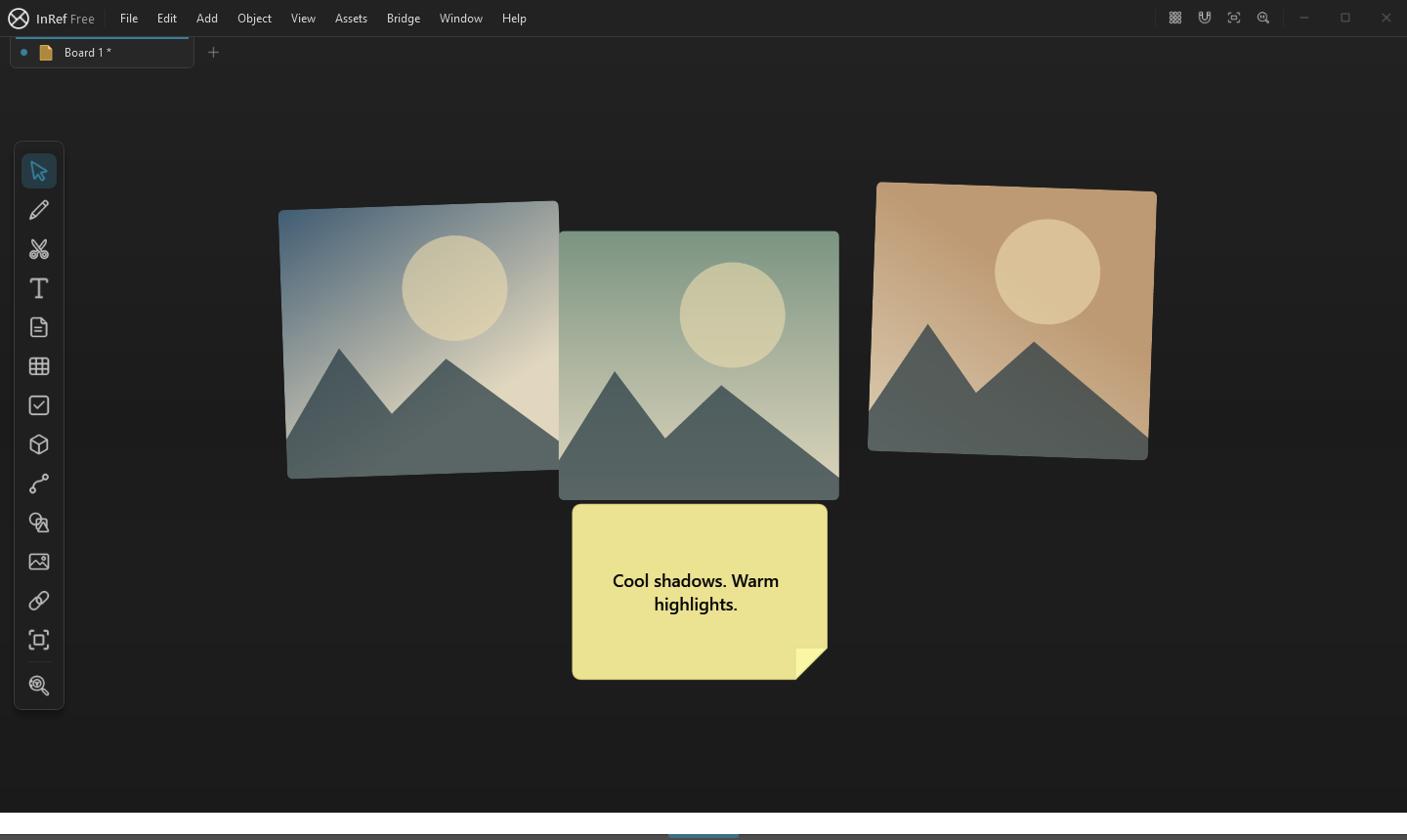
Windows creative workspace · Android viewing preview · InRef AlphaReference images and a note together in the InRef workspace.
01
References without the clutter
Bring the whole idea into view.
Place images, video, audio and 3D models together on an open canvas. Keep the material that inspires you beside the work it informs.
↗Pan and zoom across your board
↗Arrange, scale and compare references
↗Keep different kinds of media together
Arrange and rotate reference images alongside a note in InRef.
02
Think with your hands
Draw straight onto your ideas.
Sketch, paint and annotate while your references stay in sight. Use shapes and connecting arrows to turn a collection into a clear direction.
↗Brushes, drawing and image editing
↗Shapes, arrows and visual connections
↗Notes, text, tables and code
Move a shape and its connected arrows follow it in the real editor.
03
Another dimension
Explore the form, not just the picture.
Bring 3D models into your board and inspect their surfaces alongside your reference material. Explore materials and lighting as part of the same creative process.
↗Interactive 3D model views
↗Material and texture controls
↗Reference and model in the same workspace
04
Room to grow
Give every project its own space.
Move between boards and project tabs, then use groups and the Outliner to keep growing collections manageable.
↗Boards and project tabs
↗Groups and organised hierarchies
↗Find and manage objects in the Outliner
Arrange a set of references inside a named group.
05
Your work, with you
Pack the board. Keep the references.
Save a packed .inref board with its media together. The Android preview lets you open packed boards for offline reference viewing away from your desk.
↗Portable packed .inref files
↗Full creative workspace on Windows
↗Offline board viewing in the Android preview
06
Keep discovering
Find the missing piece in the Vault.
Browse reference images, meshes, materials, brushes and more. Your Library keeps acquired assets within reach when it is time to build your next board.
↗Browse and search creative assets
↗Keep acquired content in your Library
↗Bring references into your workflow
Find your starting point
A clear view of what’s included.
Start with Basic, or choose Pro for more capabilities as InRef develops through Alpha.
Build your visual workspace.
Collect, draw, organise and carry your references together, with unlimited items on your board.
Pro+ is a separate Vault subscription add-on. It is not included automatically with Pro. InRef is in Alpha; availability can vary by platform and release.
Built with the people who use it
Help shape what comes next.
Share ideas in the community, suggest improvements and report problems. Follow your reports as the InRef team works through them.