

 MOTION STUDY
Keep motion in the picture
Place video and audio beside stills and notes. Study a sequence, compare a movement or assemble the references for your next scene.
Local video and audio · supported online video
Explore mixed media InRef
InRefInRef / Your visual workspace
Bring your references, ideas and next steps together. A Windows workspace for moodboards, visual project management and creative work.
One app. One purchase. · Windows 10 / 11, 64-bit · Currently in beta
Different objects. Shared context.
A reference, a thought, a sketch, a new perspective. Bring them together and see how the pieces connect.
Scroll to take the board apart — and bring it together.
Continue to the overviewIllustrated board · All desktop tools are included.
From the first reference to the next idea
Images, notes, drawings, video and 3D, beside your brief and your next steps. Give your creative thinking room to take shape.
Import files, paste images or send references from your browser with the optional bridge.
Arrange, crop and compare images. Use greyscale and the reference overlay to study the details.
Add notes beside the images, then use groups and frames to organise related material.
Start with what you are making
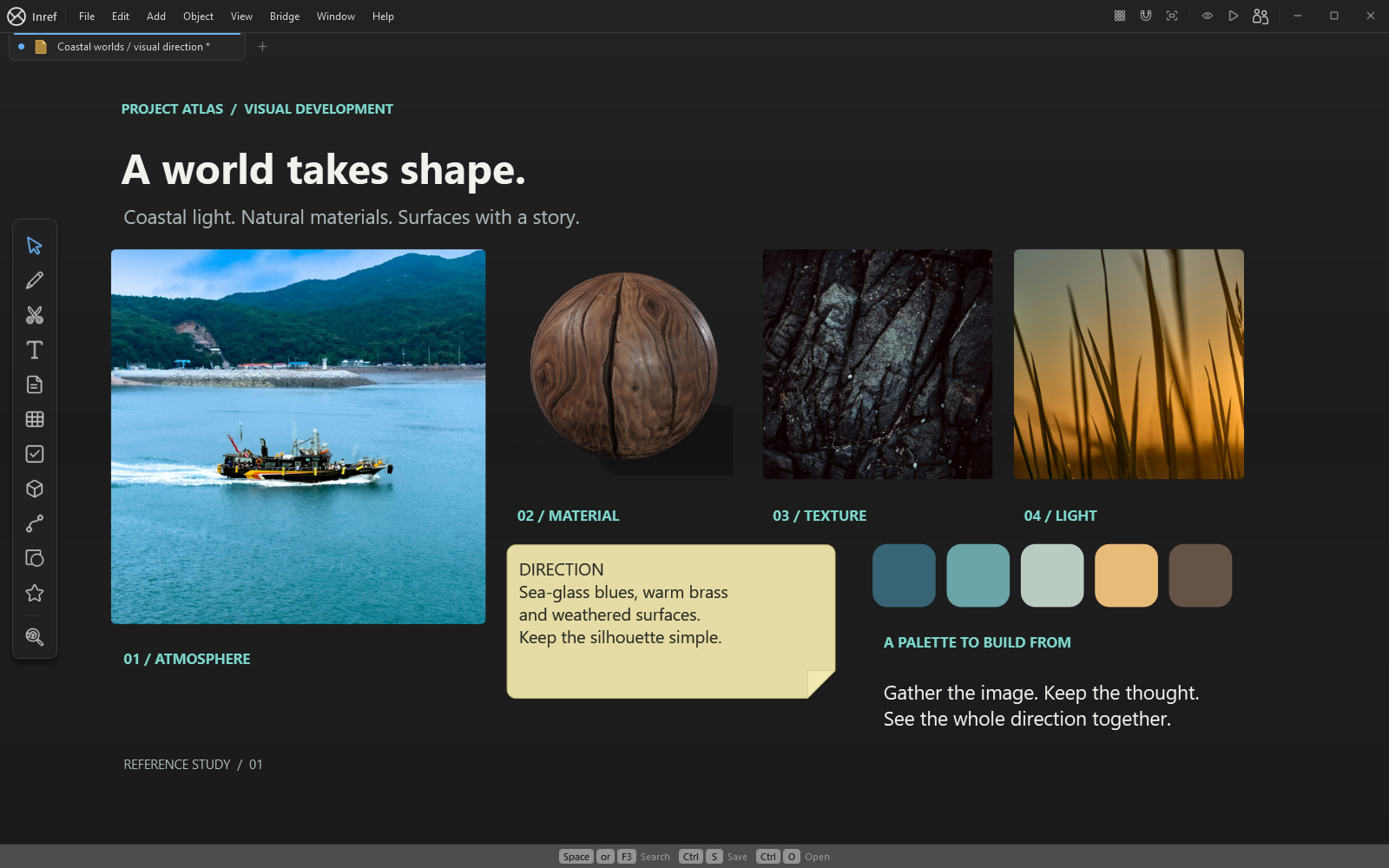
Gather a moodboard, compare materials and keep the brief beside your references.
See it in InRef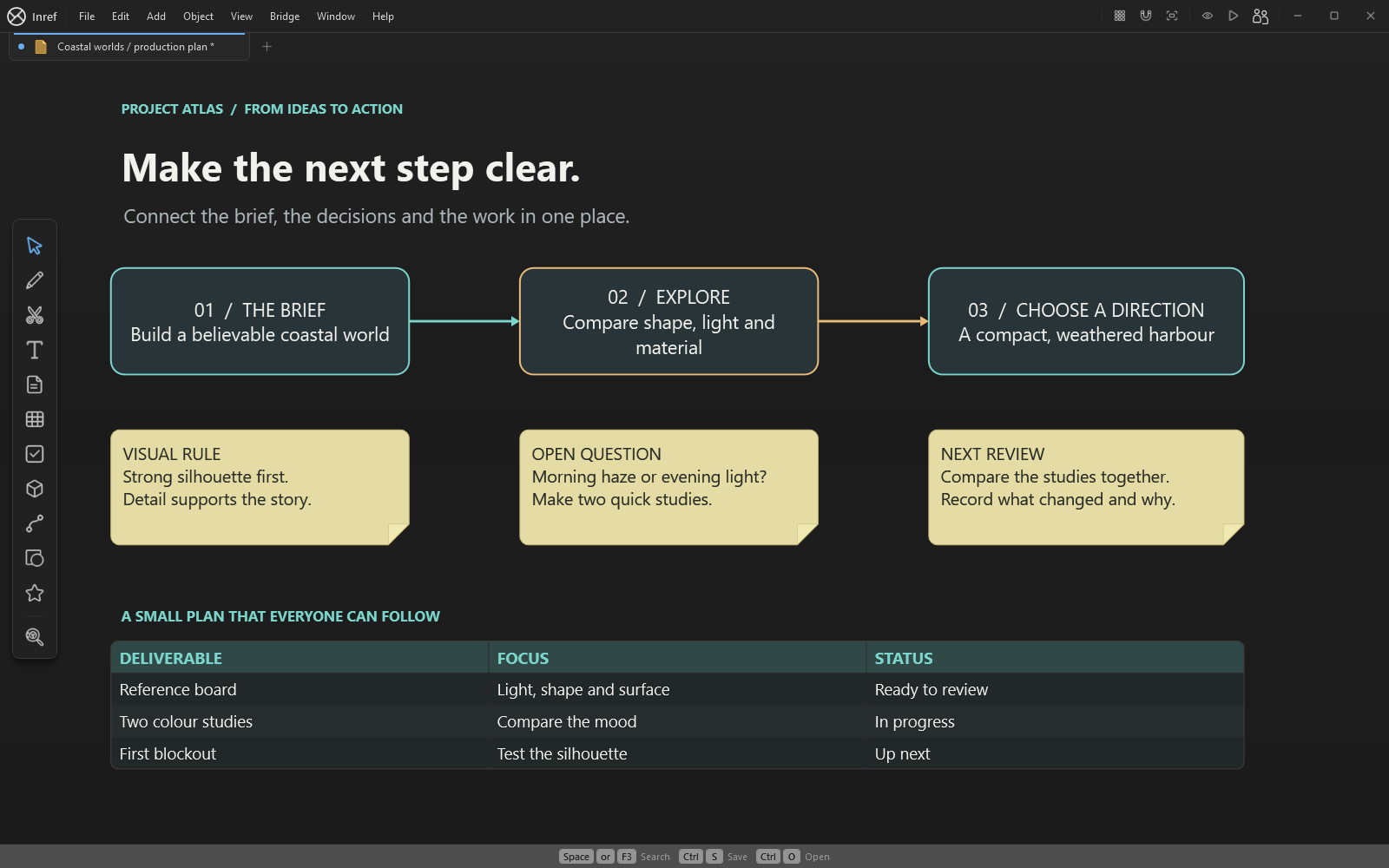
Map a process, plan a story or explain an idea with notes, sketches and connections.
See it in InRef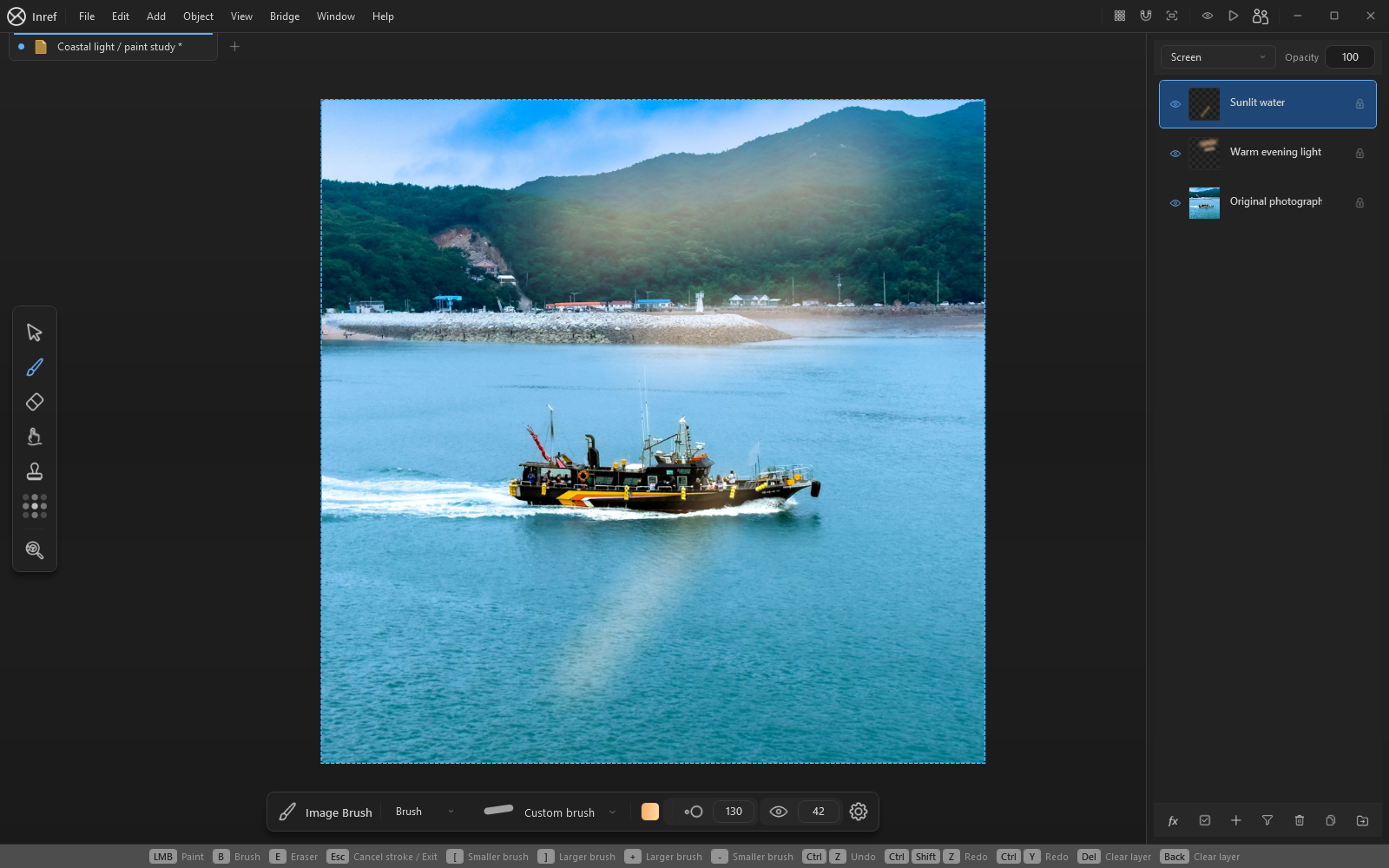
Try a paint-over, organise a growing project and keep useful context within reach.
See it in InRef01 / Think visually
Keep the brief, decisions and actions on the same board. Mark up a detail, connect dependencies and use checkboxes and status indicators to show what needs attention.
02 / Try a new direction
Try a different atmosphere or paint over a reference while the rest of your project stays in view. Keep your changes on layers so you can compare and refine them.
Included with Inref
03 / Keep your bearings
A project rarely stays small. Give related material a home, move between boards and find one detail without losing the whole picture.
Beyond still images
Place video and audio beside stills and notes. Study a sequence, compare a movement or assemble the references for your next scene.
Local video and audio · supported online video
Explore mixed mediaInspect supported 3D models on the board. Explore their materials and lighting, use built-in primitives and work with supported poses and animation.
Interactive models · materials · posing
Explore 3D in InRefPart of your workflow
From the first reference to something you can take with you.
Save locally and pack supported media into a portable .inref file. Export a board, a viewport, a selection or individual images.
Portable boardsUse optional Chrome, Brave, Windows Explorer and Blender bridges. View supported packed boards offline in the Android preview viewer.
Bringing references inChoose your workspace
Compare the workflows that matter to you: focused image references, creative project planning or a visual board. See where InRef fits and what to check before switching.
Keep references close while adding visual plans, mixed media and creative tools. Compare how each workspace fits the way you work.
Compare InRef and PureRefExplore a Windows workspace with local boards, notes and connections. Compare platform, workflow and project-planning needs.
Compare InRef and MiroBring the brief, actions and review material together. Start with an editable project-kickoff board and a practical workflow.
Plan a project in InRefThe full picture
Explore every category, from canvas tools to custom workspaces. All desktop tools are included; supported formats and capabilities may vary by platform and version.
Make relationships visible instead of keeping them in separate documents.
Tables, interactive widgets and code blocks are included with Inref.
Notes, drawing and connectionsExplain a detail or explore a direction directly on the board.
Try an image treatment while the rest of the project stays in view.
Raster image editing is included with Inref.
Explore raster editingWork out the form from the angle that matters to you.
Adding and editing supported 3D models is included with Inref.
Explore 3D modelsKeep motion and sound in the same context as your visual work.
Move between the overall project and the individual detail.
Project creation, live folders and modifiers are included with Inref.
Explore board organisationSpend less time moving files between the places you work.
Keep a usable result when the session ends.
Windows provides the editor. Android is currently a viewer, with simplified support for some content.
Explore portable boardsArrange the interface around the way you work.
All product features in one paid app.
Before you begin
Get to know the app, your licence and the ways you can work.
Read all FAQsYes. Inref supports visual project management for creative work: keep the brief, reference images, action notes and review decisions on one board. Checkboxes, status indicators, shapes, connections, projects, tables, formulas and charts are all included.
Explore visual project managementInRef is an option for Windows users who want reference boards alongside visual planning, mixed media and creative tools. Start with your own images, add notes and sketches, and save the result as an .inref board. Compare the tools and platforms that matter to your workflow.
Compare InRef and PureRefInRef is worth considering for creative project planning with local Windows boards, visual references, notes and connections. Compare platform support and workflow requirements before choosing: InRef does not promise every Miro integration or automatic Miro board migration.
Compare InRef and MiroInref is one paid app on Microsoft Store. One purchase includes all product features, with no subscription or automatic renewal.
Microsoft Store shows the current price and availability before purchase. There is no licence-based board-item limit.
See what’s includedThe InRef editor runs on 64-bit Windows 10 and 11. The Android preview is a viewer for supported packed boards, with simplified support for some content. It does not provide board editing.
View downloads and requirementsNo. Inref is a one-time purchase with no automatic renewal. The initial purchase covers the beta and all Inref 1.x updates.
Future major-version upgrades are optional separate purchases. They do not remove the rights to versions covered by your existing purchase.
Read the licence detailsYes. Use the same Inref app for personal, freelance or company work. Each person needs their own app licence.
Your software purchase does not grant rights to other people's images, models or assets; their individual licence terms still apply.
Read the purchase detailsStart with Inref
Get Inref through Microsoft Store and start collecting. All local desktop tools are included, with no board-item limit. No Inref account or in-app activation is required for the desktop tools.
InRef is in active development.