
Where PureRef fits
PureRef's official site describes an image-reference application for Windows, macOS and Linux, with image arrangement, notes, desaturation and an always-on-top window. If your priority is a focused image board across those desktop platforms, those are useful criteria to evaluate.
PureRef's current download page distinguishes personal and commercial licences. Check its own pricing and terms for your situation. We do not reproduce a price here because editions, currencies and terms can change.
Where InRef fits
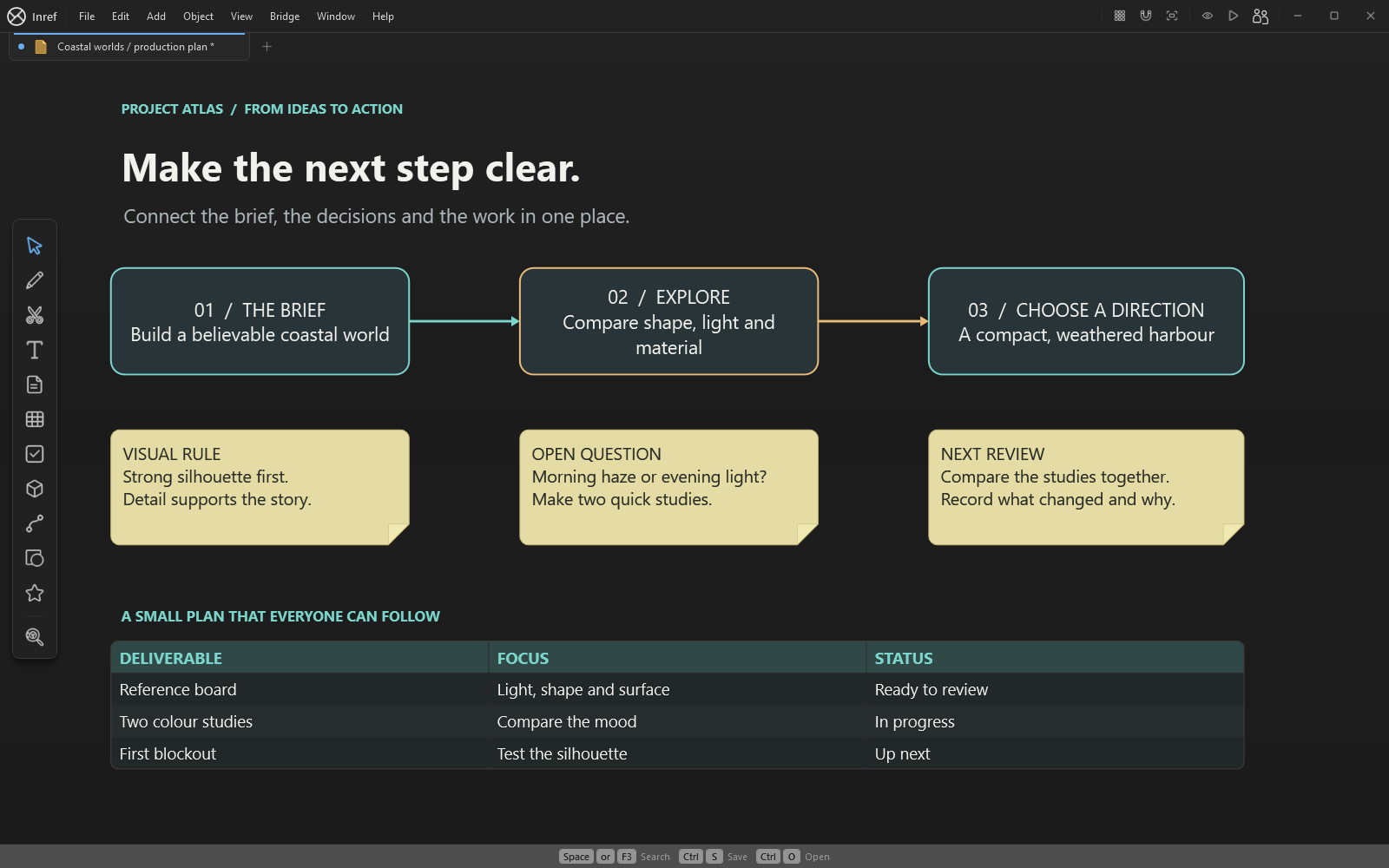
InRef's editor runs on Windows 10 and 11, 64-bit. It brings images, notes, drawings, video and supported 3D models onto one canvas. The workspace also includes raster editing with layers, projects, live linked folders and tables.
Start with a real task: arrange references, annotate a decision and save the result. Inref is one paid app with all product features, for personal and commercial work. Read the purchase information for Microsoft Store licensing.
Try your own board
Start a new InRef board with your own reference images. Arrange them into groups, add notes and sketches, then save the result as an .inref file. Use a small real project to explore the workspace and the tools you need.
Compare the result using the work you actually do: the clarity of a large board, the tools you need, the operating systems your team uses and how you move files between people. Neither application's name tells you whether it fits that workflow.
Written by InRef. PureRef claims checked against its official overview, handbook and download pages on 3 October 2026. PureRef is a separate product; no affiliation is implied.