
When to evaluate Miro
Miro offers online visual collaboration and project-planning tools. Its project-management page describes shared boards, Kanban, timelines and connections to tools such as Jira and Asana. If browser-based teamwork and those integrations are central to your process, include them in your evaluation.
Check Miro's current platform support, plans and integration requirements directly. A reference-board workflow and an organisation-wide planning system can have different needs; use a real project to decide which tools matter.
When to evaluate InRef
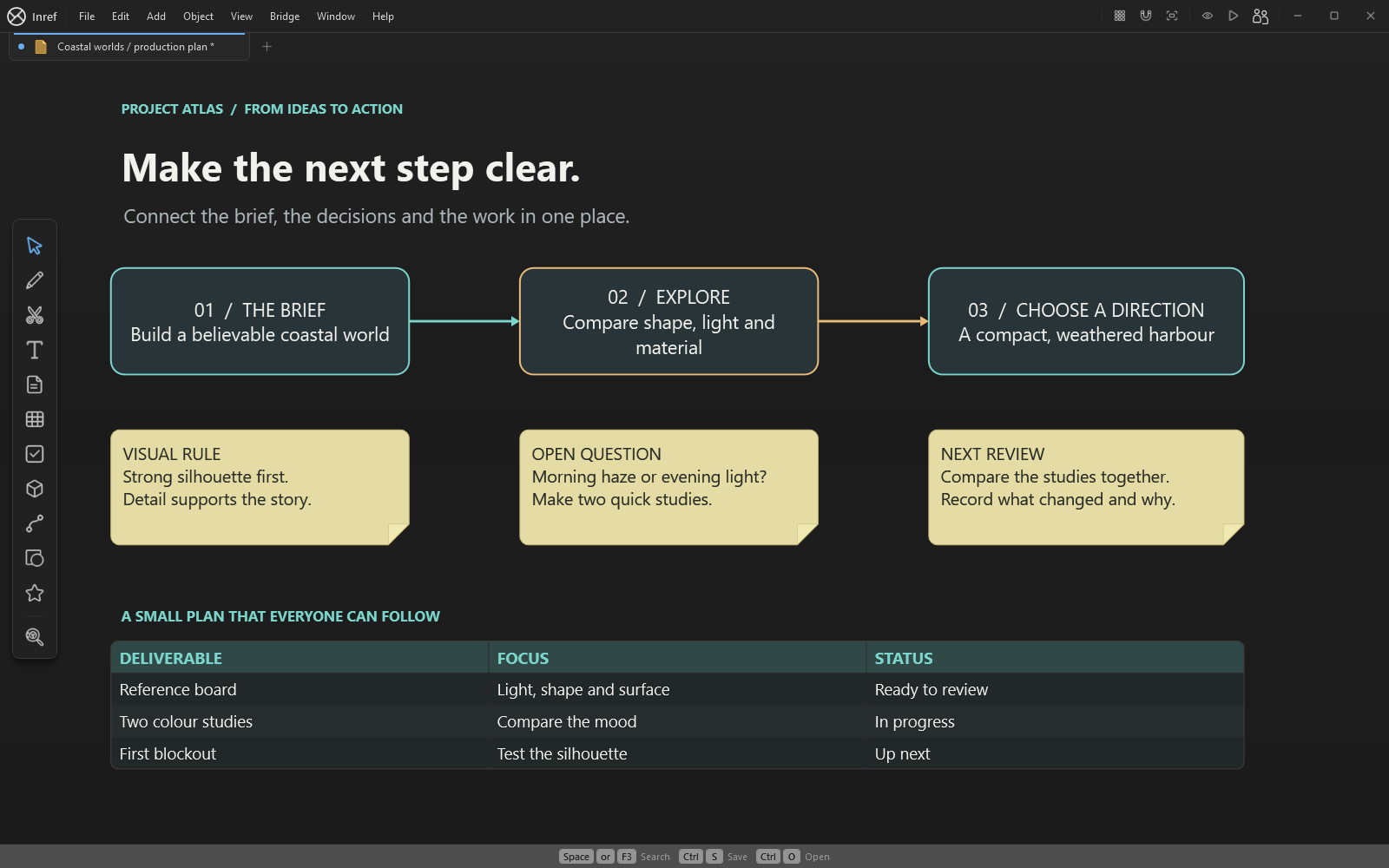
InRef is built for a visual workspace on Windows 10 and 11, 64-bit. Keep reference images, notes, drawings, audio, video and supported 3D models beside the plan. Use groups and frames to organise the board, and checkboxes, status indicators and connections to make progress and dependencies visible.
Save editable local .inref boards and export images for reviews. Supported packed media can travel with the board; online embeds still require their services. Inref includes projects, tables, charts and layered image editing. InRef does not promise Miro feature parity or automatic migration of Miro boards.
Compare collaboration and licence needs
Test how everyone will participate before choosing a workspace. InRef's editor is a Windows application; its Android preview is a viewer, not a browser-based team editor. Keep local boards and export review images for others to view.
Inref includes all product features in one paid app. Each person needs their own app licence, and shared work still follows account and board permissions.
Try a project brief before switching
Use the project-kickoff starter or make a small board with your own images and notes. Add the outcome, scope and three next actions; place the review evidence beside each action. Keep existing project records while you evaluate InRef.
- Arrange the brief and a few approved references.
- Add action notes and use connections for dependencies.
- Record an owner and review point in each action note.
- Save the editable board and export a review image.
- Try the same review with your collaborators and check the licence requirements.
Written by InRef. Miro claims checked against its official project-management and platform pages on 3 October 2026. Miro is a separate product; no affiliation is implied.