
Inside the board
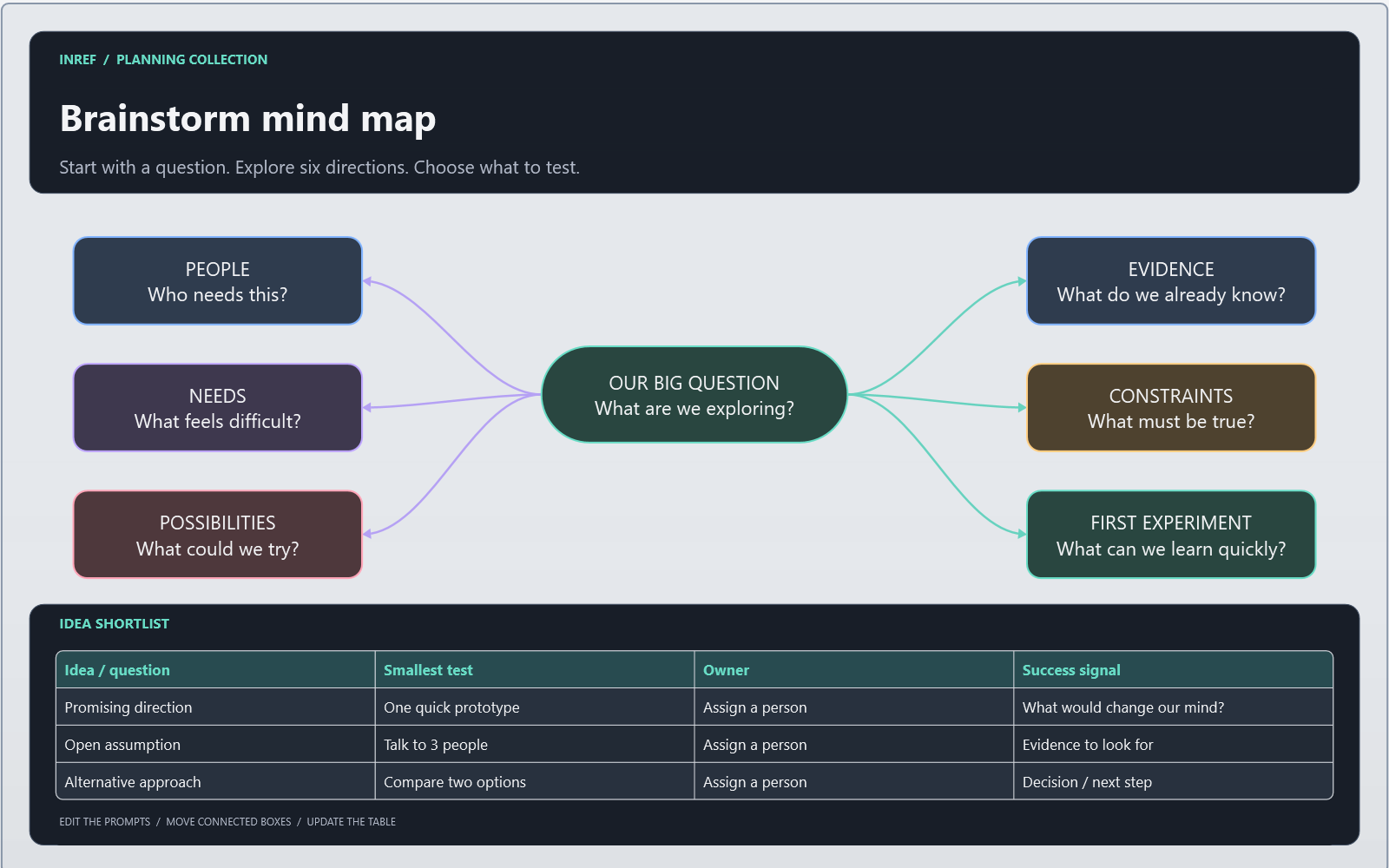
- A central question with six connected branches.
- Editable idea and evidence prompts.
- A shortlist table for experiments and next actions.
Make it fit your project
Put your design question in the centre. Use the branches for audience, constraints, references, alternatives, risks and tests. Keep observations separate from assumptions, then choose one small experiment.
Open it in InRef
- Download the .inref file and keep an original copy.
- In the Windows app, choose File > Open to open the starter, or File > Append Board to add it to an existing board.
- Replace the prompts and add your own references.
- Use File > Save As to save your working copy under a new name.
The board uses native shapes, connectors and a table. Table editing is included in Inref. These starter boards contain no third-party photos or external media dependencies.