
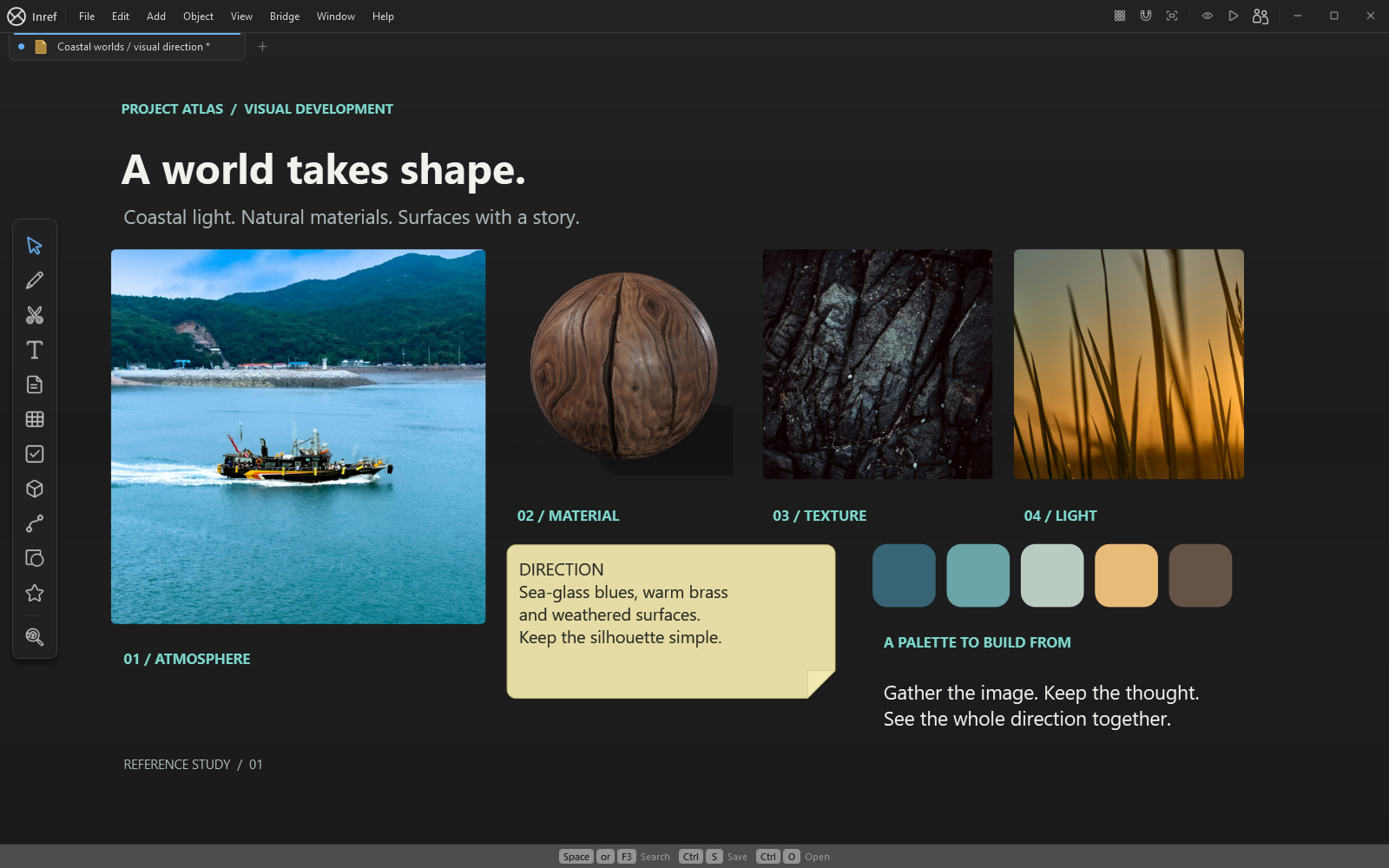
Prepare references for the next modelling decision
Start with front, side and detail references for the part you are making now. Label uncertain dimensions and distinguish a design choice from an observed feature. A perspective photograph can suggest a proportion, but it does not supply an orthographic measurement.
Place your brief and a small set of approved examples near the centre of the board. Keep extra research in separate groups so the strongest references remain easy to find.
Compare the blockout with the brief
Capture a Blender viewport image and place it beside the references. Compare the large silhouette first, then the spacing and hierarchy of secondary forms. Add notes for the next pass so a review becomes a concrete set of changes.
Use a second monitor or arrange the two applications beside each other. InRef also has a Reference Overlay mode; read the reference-tools guide and learn its return shortcut before using it over another application.
Bring across the right kind of file
Images and screenshots are a simple starting point. InRef also inspects supported mesh formats, including OBJ and FBX, with support varying by model and material. A .blend scene is not a supported mesh import: export a supported file when you need a model preview.
The workflow does not depend on installing an add-on. InRef has a separate Blender bridge for its reference workflow, documented in the manual. Keep the Blender project as the source of the model and the InRef board as the record of references and decisions.