
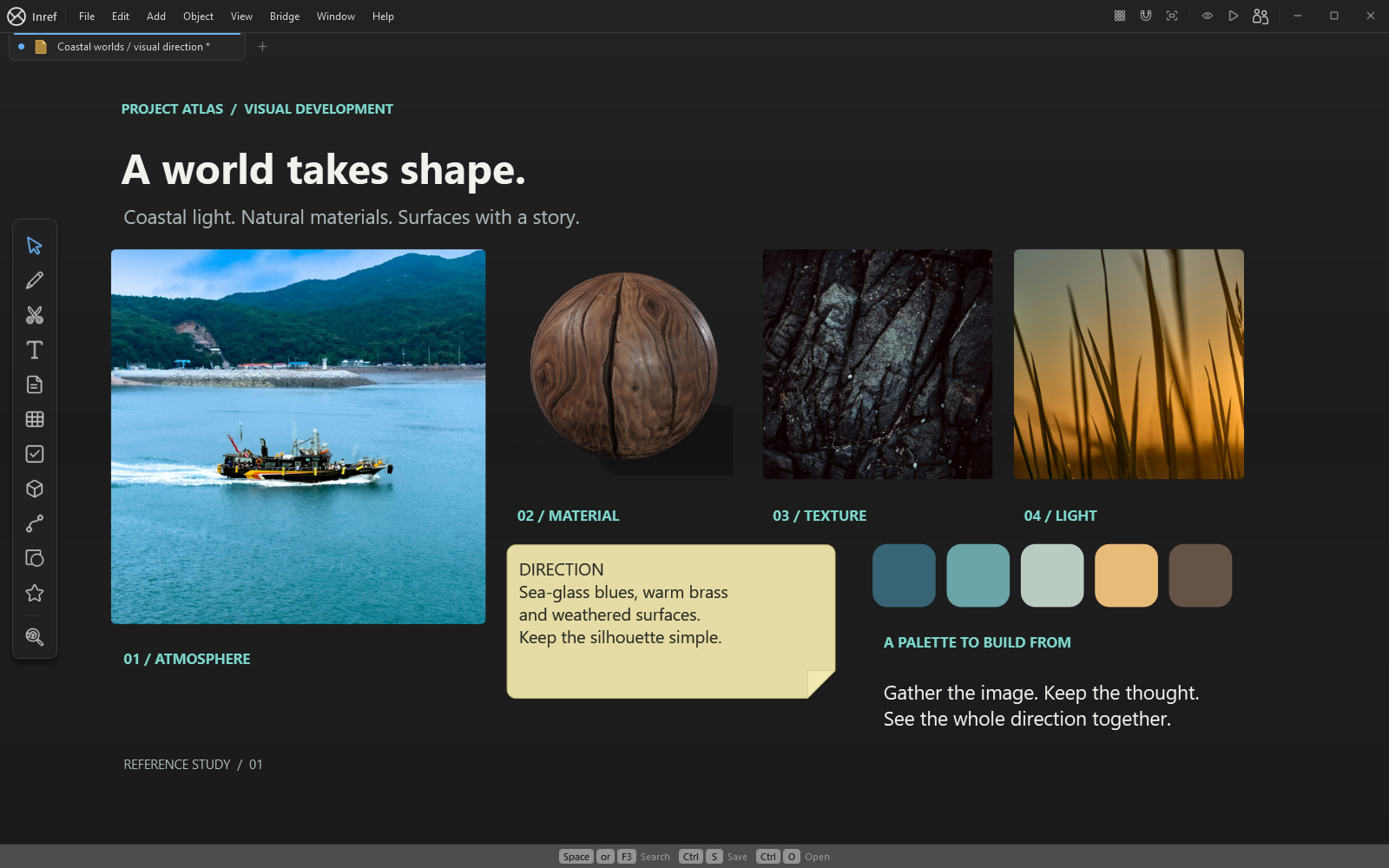
Give each reference a job
Separate silhouette, construction, materials and lighting references. Add a note explaining what you want to borrow from each image: a roof profile, a joint, a colour relationship or the direction of the light. This makes the board useful when you return to the project later.
Drag in your own images, paste from the clipboard and arrange related material with groups and frames. Keep links and credit notes beside the references so their sources do not disappear as the board grows.
Compare without losing the brief
Use the reference tools to study colour and value, and keep a small set of approved references close to the work. Notes and drawn marks let you explain a detail without editing the original file. The Outliner helps you find named objects in a larger board.
Inref includes projects, live linked folders, raster editing and tables in one paid app.
Carry the work forward
Save an editable .inref board before exporting a presentation image. A PNG is useful for a review, while the native board keeps the objects available for the next iteration. Packed boards can carry supported media; check online links and external dependencies before working offline.
For a first project, choose one subject and build a small board around three decisions. Our environment-art guide walks through a coastal workshop brief from reference gathering to a reviewable direction.
See the tools in use
Silent app demonstration. The written workflow above explains the steps.