
1. Separate the design questions
Create four groups: silhouette, anatomy and gesture, costume construction, and materials. Put a short brief above them: practical, mobile and accustomed to outdoor work. A reference may be attractive without answering any of those questions.
Keep anatomy and gesture studies separate from clothing details. A pose reference is evidence about weight and movement; a close-up of a seam is evidence about construction. Mixing them makes both harder to retrieve.
2. Explain each selected image
Add concise notes such as broad shoulder shape, layered fastening or polished wear at the grip. Record what you observed and what you intend to change. This prevents a collection of images from becoming an unexamined design.
Use your own or appropriately licensed material for anything you plan to distribute. Keep credit and source information beside the reference, and retain a private research board separately from a shareable presentation when needed.
3. Compare against a simple sketch
Place your silhouette sketch beside the strongest reference group. Look for the largest shape relationships first: coat length, head-to-body proportion and the tool kit's placement. Annotate the next change directly beside the sketch.
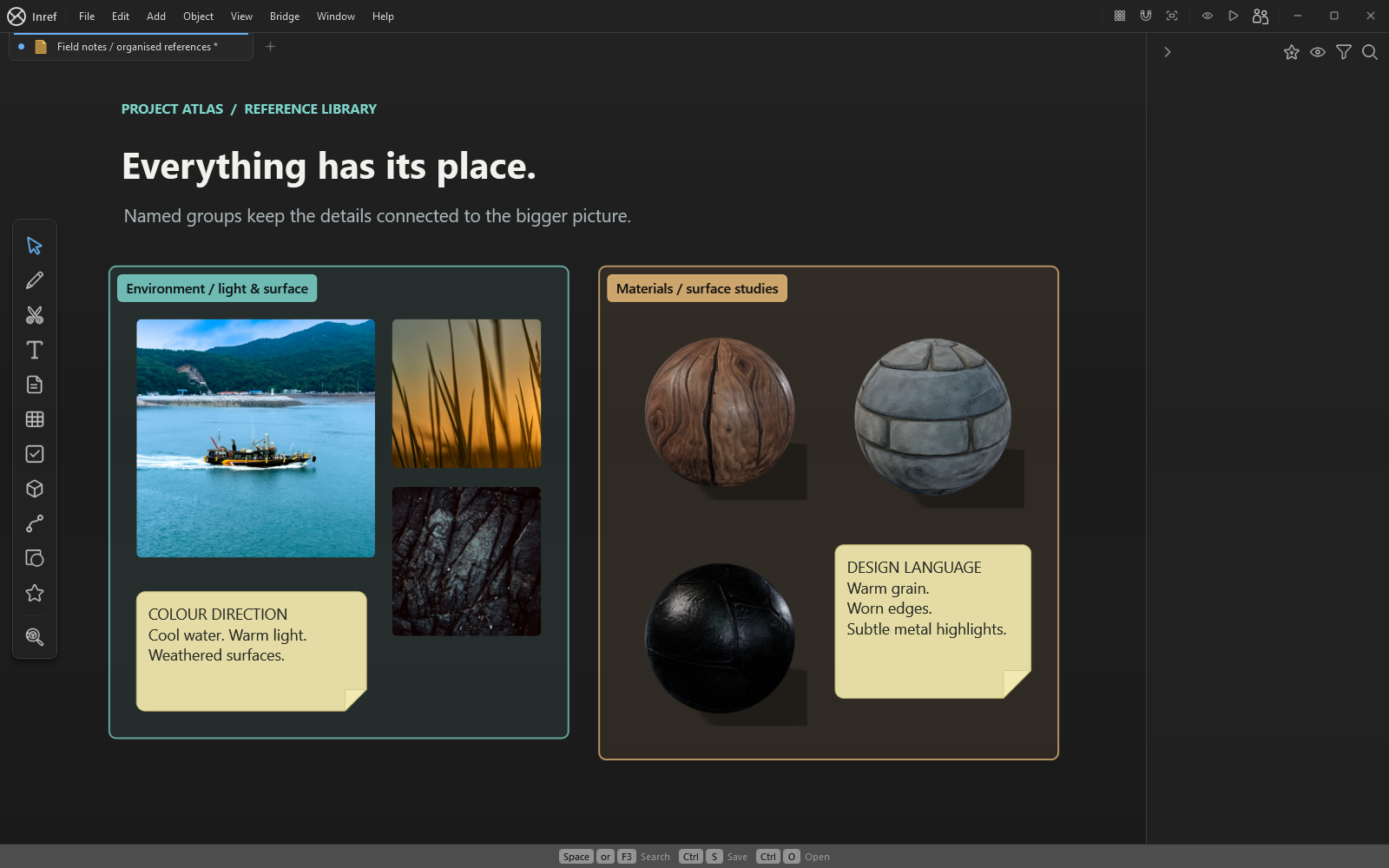
Group supporting alternatives and name the groups so the Outliner remains useful. If a reference no longer supports the brief, move it into an alternatives area. You can return to it without giving it equal visual weight.
4. Save a decision, not just a collection
Add a short review note: what is approved, what needs testing and what can wait. Save a milestone copy before making a substantial change. Export a review image separately from the editable board.
The same structure works for props and creatures: change the group labels to match the questions, but keep the relationship between evidence, observation and decision visible.