
Start with a constraint
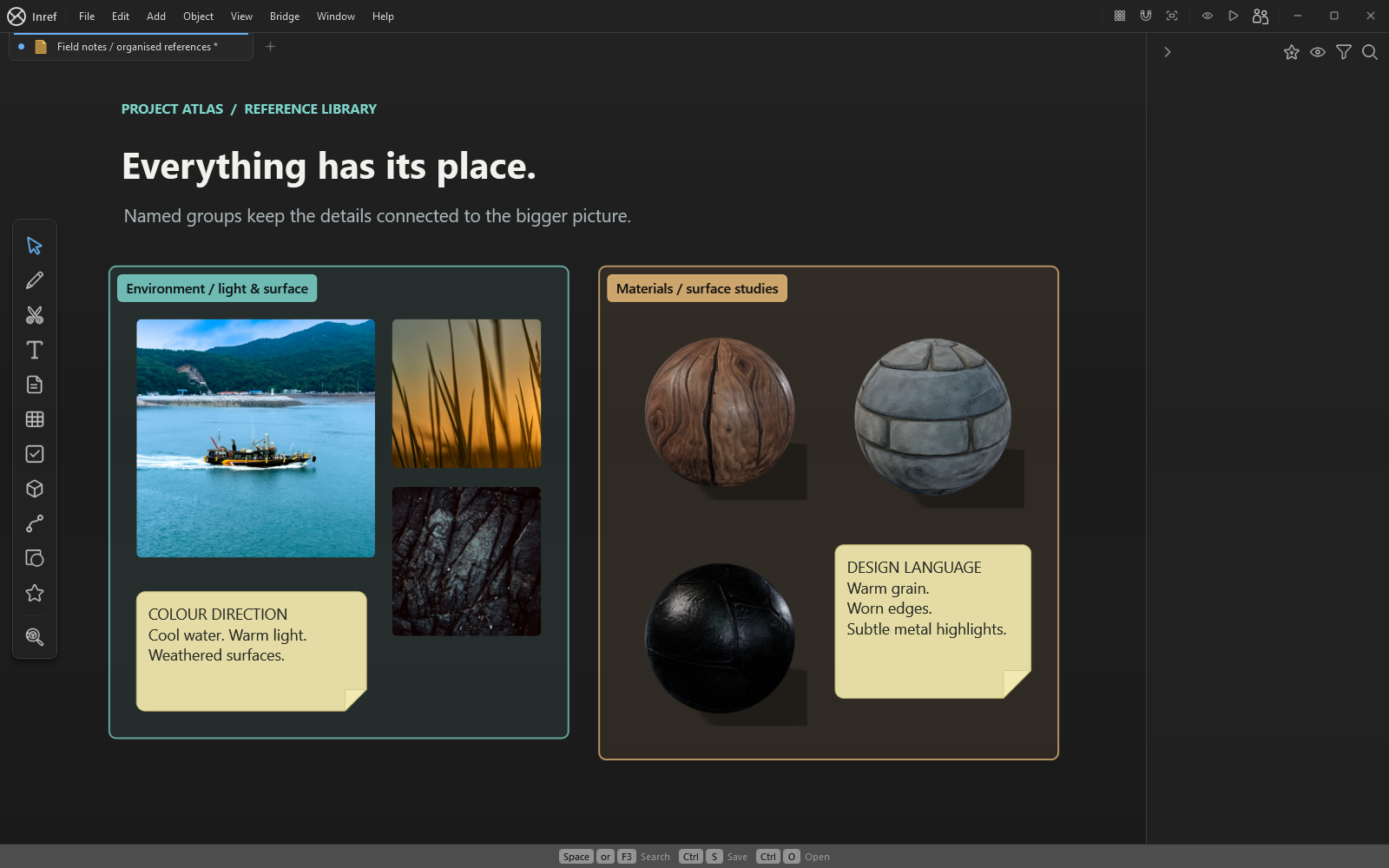
Write a short brief before collecting images. For a coastal workshop, that might be warm afternoon light, weathered timber and a compact silhouette. These constraints give you a reason to choose one reference over another.
Import images from your files or clipboard. Arrange a small group for each part of the direction: palette, material, lighting and shape. Include an explanation beside each group rather than relying on the images to communicate every detail.
Explore a direction on the canvas
Add notes, sketches and connections as the idea develops. Compare references side by side and mark the details that matter. You can keep video or audio beside still images when motion or atmosphere is part of the brief.
Raster layers let you try a paint-over and compare an image treatment within the workspace. These tools are included with Inref alongside collecting and arranging references.
Keep an editable original
Save the .inref board locally, then export a PNG for a presentation or review. The board is the working document; the export records the direction at that moment. Name milestone copies so you can return to an earlier choice.
InRef's desktop editor runs on Windows 10 and 11, 64-bit. The Android viewing preview has a different role and is not a replacement for the Windows editing workflow.